Venuo integration with Imprion POS – reservations directly at the box office
You accept and confirm Venuo reservations directly at the Imprion POS - upon the guest's arrival, they become an order and an invoice.
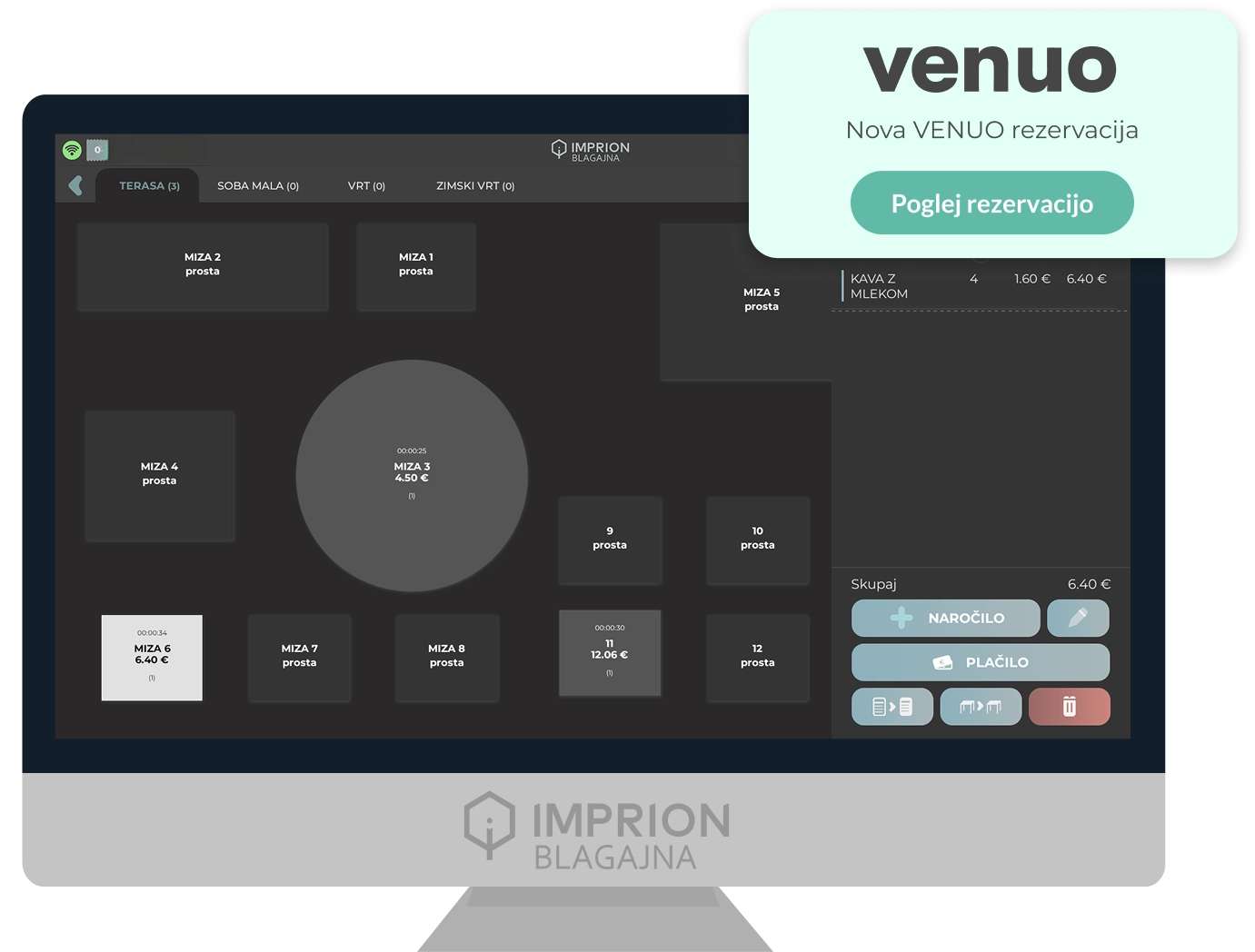

Venuo integration for Imprion POS
Smooth transition from booking to account
The Venuo integration enables a fully automated transfer of reservations directly to the Imprion POS. No rewriting and no errors – the entire process from booking to issuing the invoice takes place within the same system.
No manual input
Reservations immediately at the box office
Every Venuo reservation is automatically displayed in the Imprion POS system, eliminating the need for manual transcription and reducing the possibility of errors.
Faster processing
From booking to ordering in seconds
The staff confirms the reservation directly at the cash desk, and when the guest arrives, they open it as a table order with one touch, which significantly shortens the service time.
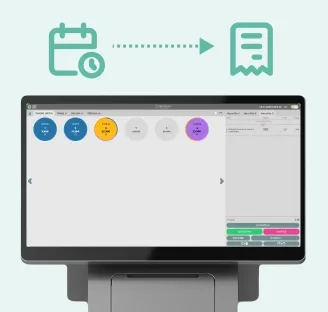
Complete control in one checkout
All functions in one place
Reservation confirmation, guest arrival, order and invoicing are combined in one system, which enables a complete overview of the entire Venuo process.
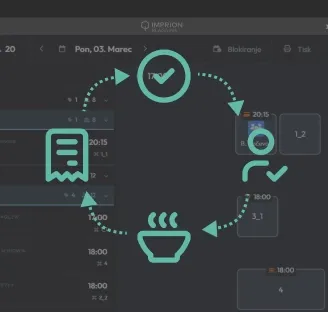
Check how it works in practice
Want Venuo bookings directly in your cash register?
In our demo center, you can see how Imprion POS connects reservations with the cash register, reduces the number of duplicate reservations and speeds up the work of the staff. We are happy to present you the operation of the integration and prepare a solution for your bar.
How the integration works
From booking to account in one device
Venuo bookings are automatically integrated into your normal workflow. The staff treats them in the same way as other orders. The entire process - from the reservation received to the invoice issued upon the guest's departure - takes place within the Imprion POS cash register.
Venuo reservation → checkout
The reservation arrives from Venuo and appears in the Imprion POS.
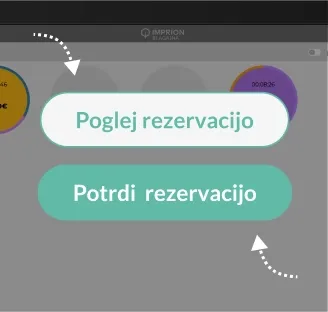
Confirmation of reservation
The staff checks and confirms the reservation directly at the cashier.
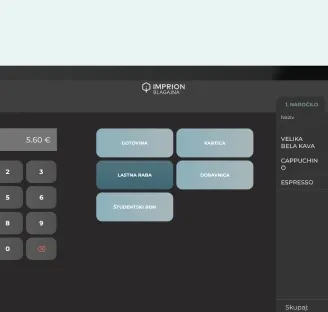
Arrival of a guest
When the guest arrives, the staff opens the reservation as an order with one touch and assigns him a table.
Order accounting
When the guest finishes, the staff marks the order as complete and issues an invoice directly from the till.
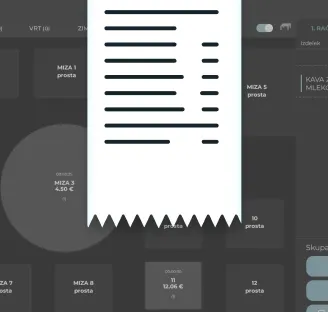
End of visit
After the invoice is issued, the reservation is marked as completed, and the table is free again.
The price of integration
Venuo integration as an addition to Imprion POS
Venuo integration can be activated in Imprion POS as an additional chargeable module. The module can be included at any time - during the initial implementation or later, depending on the growth of your business.
The price of integration
- Activation is possible for all packages
- Unlimited number of reservations
- All in one device
Venuo integration in Imprion POS enables:
- Display of Venuo reservations in the cashier
- Confirmation of reservations and transition to the order in the same system
- No manual entry of reservations
- Faster transition booking → invoice
- Fewer duplicate bookings
- Direct transfer of reservations to the cashier
For whom is Venuo integration the right choice?
Designed for catering establishments that accept reservations and want a smooth transition to ordering
Imprion Venuo integration is intended for catering establishments that accept reservations and want to manage the entire process from one device. Whether you operate a small restaurant or a facility with high bookings, the integration helps you simplify work and reduce administration.
Restaurants
For restaurants that receive a large number of table reservations daily and want to connect reservations with the existing service process.
- Direct transfer of reservations to the cashier
- Faster transition booking → invoice
Restaurants with reservations
Ideal for bars where guests reserve a table in advance and an overview of occupancy is important.
- Unified overview of reservations and occupancy
- Easy invoicing directly from the cash register
Event and tasting providers
For providers of tastings, events and accommodation, where advance reservation of places and transparency of occupancy are important.
- Better organization of events and busy appointments
- Fewer duplicate and lost bookings
Deployment process
Activate Venuo integration in a few steps
Venuo reservations are automatically transferred to the Imprion POS - no manual entry and no errors.
Contact the Imprion team
Call us or submit an inquiry via the form. Together we check your existing POS system, Venuo account and technical conditions for the connection.
Analysis of your system
We review your current settings and way of working (tables, appointments, confirmation of reservations) and determine the best way to connect to the Venuo platform.
Activation of Venuo integration
Our technical team activates the Venuo module in your Imprion POS system and establishes a secure transfer of reservations directly to the cash register.
Settings and testing
We set up the reservation flow (reservation → guest arrival → table → invoice) and perform a test reservation. We check the time responses and the correct display of the data.
Start in production
We integrate the integration into the live environment. Venuo reservations start arriving automatically in your Imprion POS.
Frequently asked questions
Questions about Venuo integration
Find out how the Venuo integration enables the automatic transfer of reservations to the Imprion POS cash register, faster processing of guests and a better overview of reservations, tables and orders.
The Venuo integration automatically transfers reservations from Venuo directly to the Imprion POS, where the staff confirms them and opens them as an order when the guest arrives.
The reservation from Venuo appears in the cash register, the staff confirms it, and when the guest arrives, it is turned into a table order with one touch.
No, reservations are displayed directly in the Imprion POS, without the need for an additional screen or device.
Yes, every new reservation is automatically displayed in the Imprion POS system in real time.
Yes, you can check and confirm reservations directly at the cashier, without switching between systems.
It reduces the manual coordination of bookings, speeds up the transition from booking to order and reduces the number of duplicate bookings.
Yes, when the guest arrives, the staff opens the reservation as an order with one touch and assigns him a table.
Yes, the status of each reservation (confirmed, guest arrival, completed) can be seen directly in the Imprion POS.
Yes, because reservations are transferred automatically, there is no need for manual reconciliation and the possibility of duplicate or lost reservations.
Yes, the integration is suitable for restaurants, cafes and catering establishments with a larger volume of reservations.
Yes, reservations, orders and payments are processed in the same way at the Imprion mobile checkout.
Because reservation, order and invoicing are connected in one system — without manual coordination and with fewer duplicate reservations.
The next step
You want Venuo integration in your cash register?
Contact us and we will activate the system in a few days.