




VOD export from the Imprion POS system – turnover into accounting without retyping
Receipts, turnover and costs are exported automatically from the Imprion POS system into a standard VOD file for your accountant.
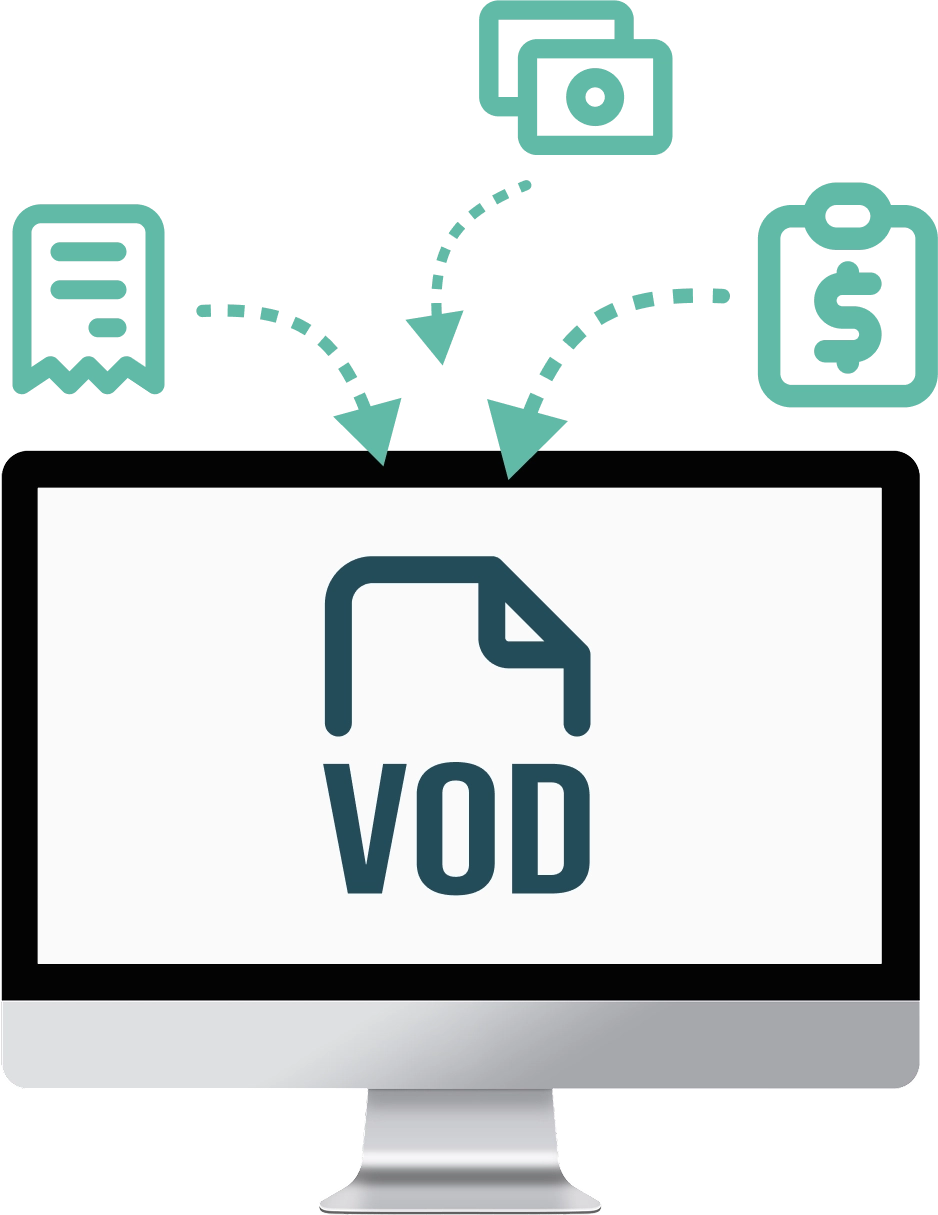
VOD export for Imprion POS
Automatic data export in VOD format
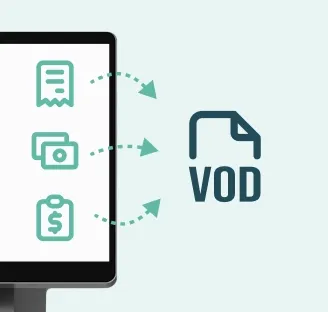
The VOD export prepares receipts, turnover and costs from the Imprion POS system fully automatically, in a standard VOD file. No retyping and no mistakes – you can import the data into your accounting software the moment it is created on the cash register.
No manual entry
Your data straight into a VOD file
Every receipt issued is prepared automatically for the VOD export, which removes the need to retype anything into accounting and leaves far less room for error.
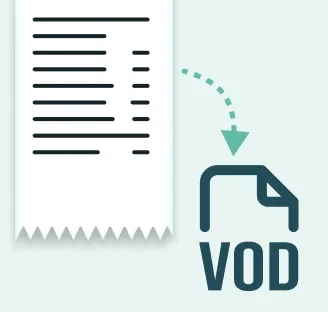
Time saved
From sale to export in seconds
Sales data is prepared for the VOD export as you go, so your accountant does not lose time entering and retyping receipts by hand.
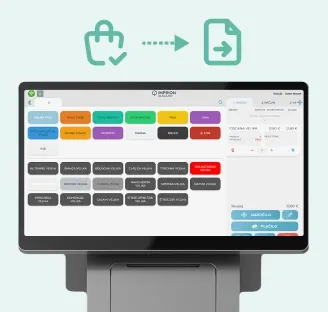
A link to your accounting
Straightforward import into accounting
Issued receipts, turnover and costs are exported to a standard VOD file, which your accountant imports into their accounting software in a few clicks.
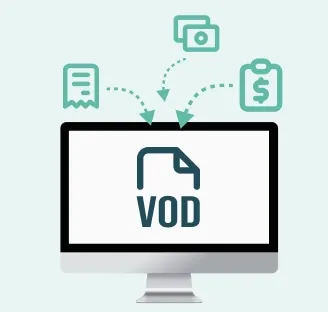
See how it works in practice
Want your sales sent automatically to your accounting?
Imprion POS prepares a VOD export of your receipts and costs for accounting, reduces errors and saves hours of bookkeeping work.
How the VOD export works
From sale to accounting, automatically
Sales data slots automatically into your usual workflow. Your staff work on the cash register just as they always do. The whole sequence – from the receipt issued to the VOD file export – runs automatically in the Imprion POS system.
Sale → cash register
The sale is recorded on the Imprion cash register.
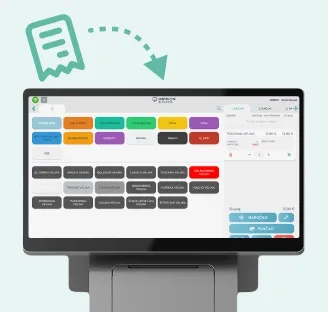
Issuing the receipt
Staff close the sale and issue a fiscally verified receipt on the cash register.
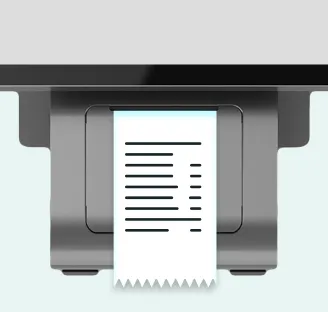
Export to a VOD file
The system automatically writes the data on issued receipts and turnover into a standard VOD file.
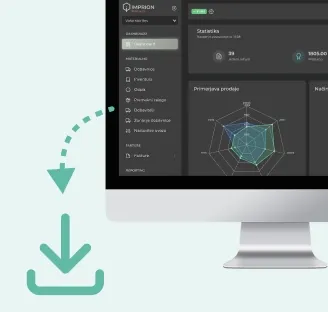
Downloading the file
You download the prepared VOD file from the system and pass it on to your accountant – with no retyping by hand.
Import into accounting
Your accountant imports the VOD file into their accounting software and posts the turnover.
Integration price
The VOD export as an add-on in the Imprion POS system
You can activate the VOD export in Imprion POS as a paid add-on. The module can be switched on at any time – during the initial rollout or later, as your business grows.
Integration price
- Can be activated on every plan
- Unlimited documents
- Works with any accounting software
The VOD export in Imprion POS gives you:
- Automatic export of receipts to a VOD file
- Export of turnover and costs for accounting
- No retyping into accounting by hand
- Less admin and fewer errors
- Accounting data always up to date
- Import into any software that supports VOD
Who is the VOD export right for?
Built for businesses whose external accountant works with VOD imports
The Imprion VOD export is built for businesses that hand their invoices and turnover to an external accountant or post the entries themselves. Whether you work with an external accountant or keep the books in-house, the VOD export simplifies the work and cuts down on admin.
Hospitality
For hospitality venues that issue a large number of receipts each day and want to hand their turnover to their accountant via a VOD export, with no retyping.
- Automatic VOD export of issued receipts
- Less admin and fewer errors
Service businesses
Ideal for salons, agencies and tradespeople who invoice for services and want their books kept up to date.
- A single overview of turnover
- Export of issued invoices to a VOD file
Retail
For shops and retailers where accurate daily turnover and well-kept books matter.
- Better visibility of turnover and costs
- Fewer errors when handing data to accounting
Rollout process
Activate the VOD export in a few steps
Receipts and turnover are exported automatically from the Imprion POS system to a VOD file – no manual entry and no mistakes.
Contact the Imprion team
Call us or send an enquiry through the form. Together we review your current POS system, your accounting software and the technical requirements for the VOD export.
Analysis of your system
We look at your current settings and the way you work (issuing receipts, VAT rates, how entries are posted) and determine which data the VOD export should contain.
Activating the VOD export
Our technical team activates the VOD module in your Imprion POS system and sets up the automatic preparation of the VOD file.
Configuration and testing
We configure the data flow (sale → export → VOD file) and run a test export. We check that receipts and VAT rates are correct and that the import into your accounting software works.
Go-live
We switch the export on in your live environment. Receipts and turnover start exporting automatically to a VOD file, ready for accounting.
Frequently asked questions
Questions about the VOD export
Find out how the VOD export works, which data goes into the file and how your accountant imports it into their software.
The VOD export is an Imprion till feature that automatically writes issued receipts, turnover and costs into a standard VOD file for import into your accounting software.
When a receipt is issued, the till prepares the data automatically and writes it to a VOD file, which you then import into your accounting software.
VOD is a standardised file format for exchanging turnover and receipt data, and most Slovenian accounting programs can import it.
The file contains the issued receipts, daily turnover and costs recorded in the Imprion till.
Yes, the export covers every receipt issued on your Imprion till during the selected period.
Yes, you can run the export for any period you like, for example a single day, a week or a month.
Most Slovenian accounting programs support the VOD format, so you can import your data without being tied to a single provider.
Yes, because the data is exported automatically with no re-typing by hand, the risk of posting errors is significantly lower.
Yes, the export supports an unlimited number of documents and suits businesses with high daily turnover.
Yes, the VOD export works the same way across multiple tills and locations, and you can combine the data into a single export for your accountant.
Yes, turnover from the mobile Imprion POS is exported in exactly the same way as turnover from a stationary till.
Because sales, turnover and the export for accounting are connected in a single system — with no re-typing by hand and data that is always up to date.
Next step
Want the VOD export in your accounting?
Get in touch and we will have the system up and running within days.