




Imprion fiscal cash register (POS) - stationary or mobile, offline too
Imprion is a fiscal cash register (POS) for issuing FURS-compliant receipts, suitable for hospitality, retail and services. You can use it as a stationary till or as a mini/mobile till on a phone or tablet. The system also works without an internet connection (offline), and your data syncs as soon as the connection is restored. Add integrations as you need them (e.g. delivery, accounting) and pick the plan that matches the features you want.
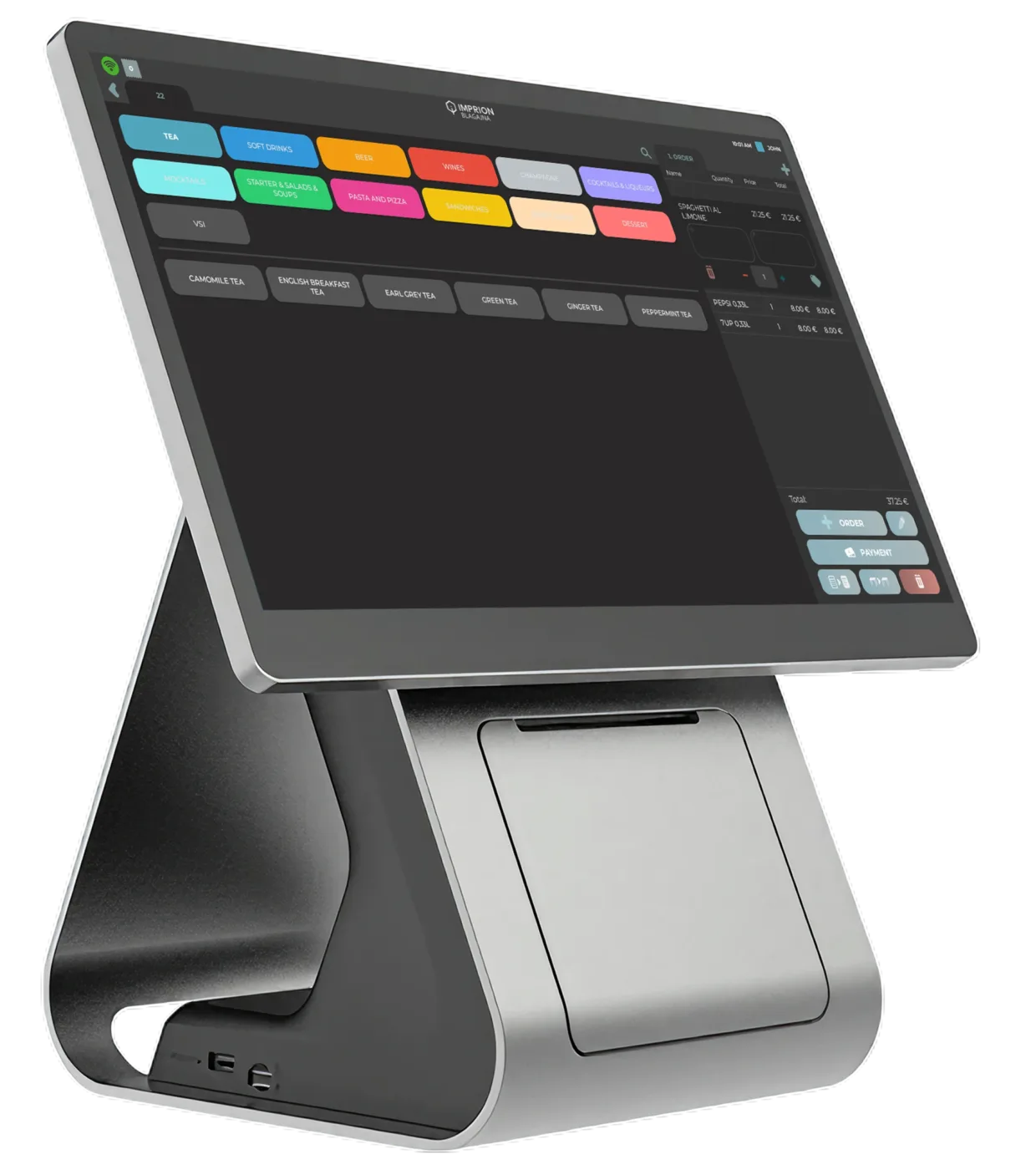
Offline operation
No interruptions to your work
Mobile POS
Work anywhere, without limits
Card payments
Connected to POS terminals
Why Imprion?
Everything you need in a single POS system
Imprion brings receipt issuing, analytics, employee management, integrations and day-to-day operations together in one clear system.
Fiscal cash register for FURS receipt fiscalisation
Issue receipts in line with FURS requirements, with straightforward fiscalisation and reliable performance.
Mobile or stationary POS system
Use the POS system on an Android tablet, a phone or a stationary till, depending on how you work.
Offline receipt issuing
The cash register works even without an internet connection, and the data synchronises automatically once you are back online.
POS system for hospitality, services and small shops
One platform for every industry. Imprion adapts to your needs — from a café to a hair salon.
Integrations
Connect your cash register with accounting, delivery, bookings, payment systems and other business tools for faster work, less manual entry and a better overview of your business.
Fast rollout and support
Our team guides you through the entire process — we help with the setup, data entry, training your team and rolling out the system.
Business without the hassle
Get started with the Imprion till
Less admin, a better overview and faster work.
Business management
What is a fiscal cash register?
A fiscal cash register is a system that reports data to FURS when a receipt is issued (fiscalisation) and ensures the receipt complies with the legal requirements. In practice this means every receipt carries unique identifiers (e.g. EOR/QR – depending on the implementation and the legislation) and that you hold the records you need for reporting.
What do you need to get started?
- A registered business entity with an appropriate registered activity
- A digital certificate / connection settings
- A device (PC or Android) + a receipt printer
- Basic setup: items, VAT rates, users
Mobile POS till
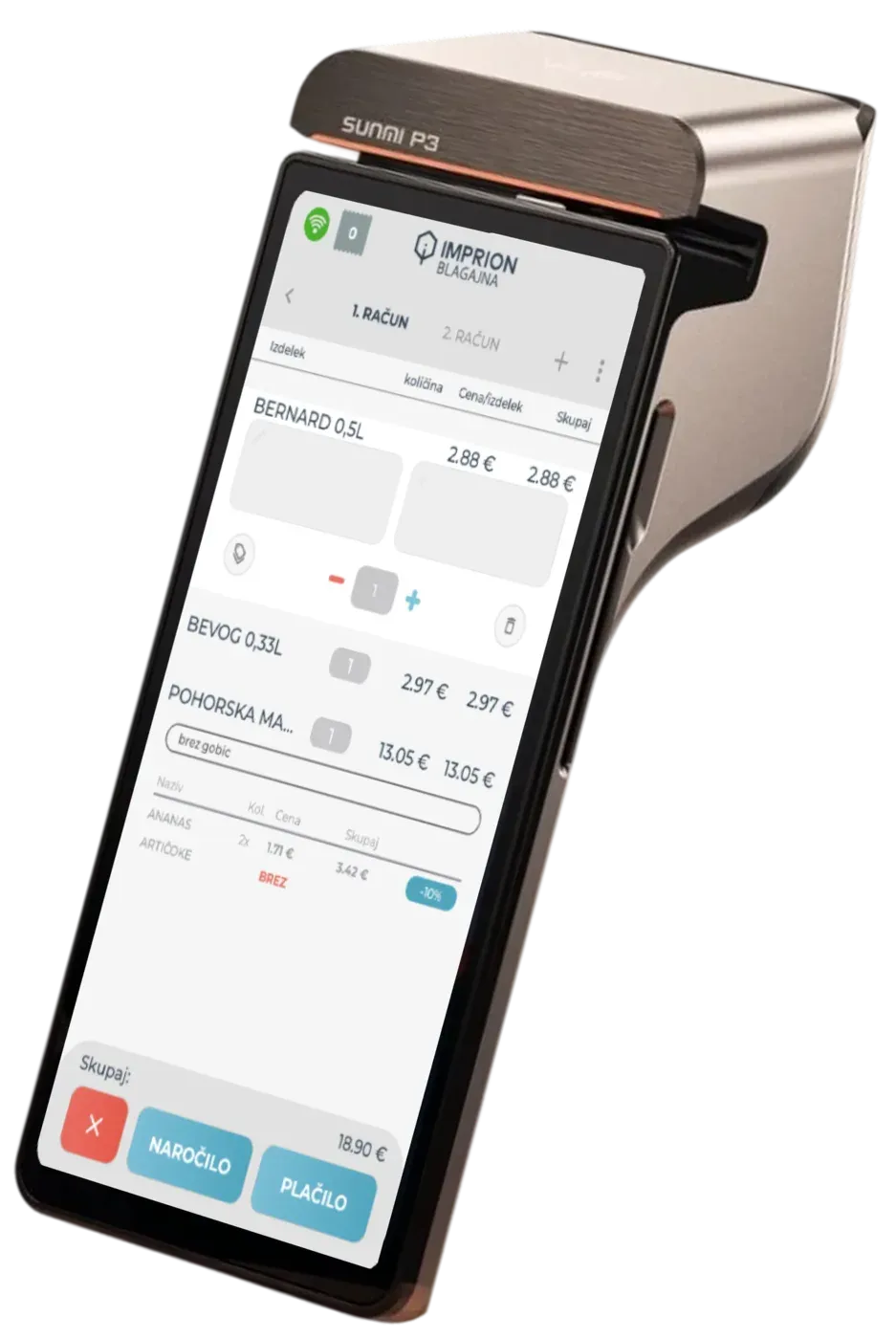
A mobile fiscal cash register for the field, events and smaller venues
A mini/mobile till is ideal when you need mobility or a quick setup: field work, a market stall, an event, seasonal sales or a small venue. It runs on a phone or tablet, and you issue receipts through a compatible printer.
Typical scenarios:
Events and market stalls
Fast, portable
Field services
Service technicians, deliveries, tradespeople
Seasonal venues
Minimal equipment
Small businesses
That want a simple 'mini till'
The equipment also works with:
POS for hospitality
A fiscal cash register for hospitality - what makes it different?
Hospitality usually calls for fast receipt issuing, table management, a range of payment methods and sales figures per employee. Imprion can be configured to match your type of venue (bar/café/restaurant).
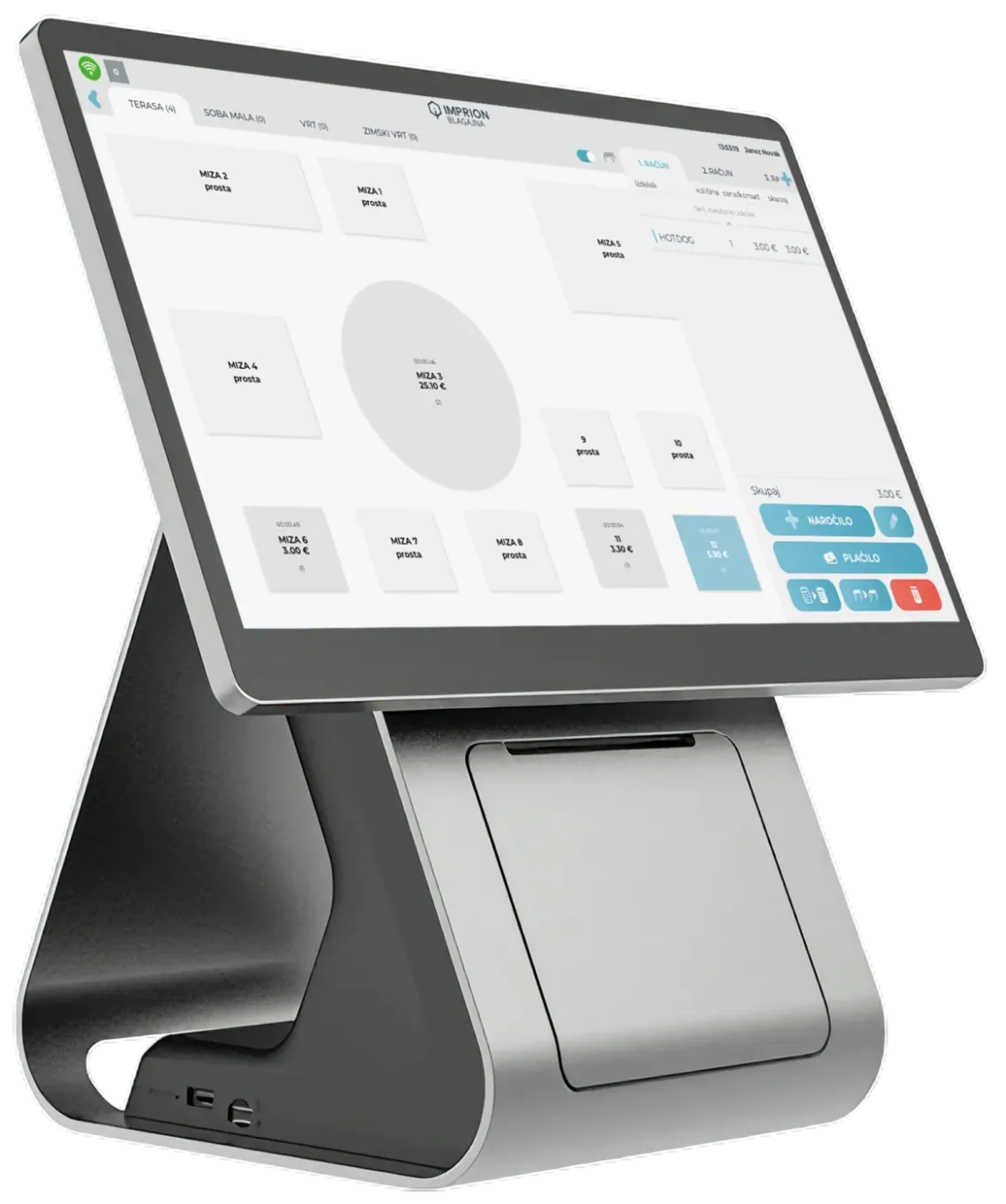
Tables and moving orders
A live graphical floor plan of your venue. Assign orders to tables, move bills between tables and close bills with a single tap.
Splitting / merging bills
Split a bill between guests or merge several bills into one. Everyone pays only for what they had — no confusion at checkout.
Smart tips
NewBuilt into checkout — the guest chooses a percentage or enters an amount, and the system records it per employee automatically.
Quick keys / menus
One swipe from order to payment. Ideal for mobile selling in the field, at events and at market stalls.
Cash-ups and reports per waiter
A clear end-of-shift closing for every waiter. Turnover, tips and payment methods in one place.
Kitchen display
Orders go straight to the kitchen display — no paper chits. Fewer mistakes, faster preparation.
Connections to other systems
Imprion connects delivery, accounting, bookings and card payments into one unified system.

Wolt delivery
Wolt orders land straight in your till. No extra devices — order, printout and receipt in a single flow.

Minimax and VOD export
Automatic export of receipts and sales data to your accounting system. No manual entry.
Card payments
A direct connection to payment terminals for faster closing of receipts.
Imprion POS
What does POS mean and what do you get with Imprion?
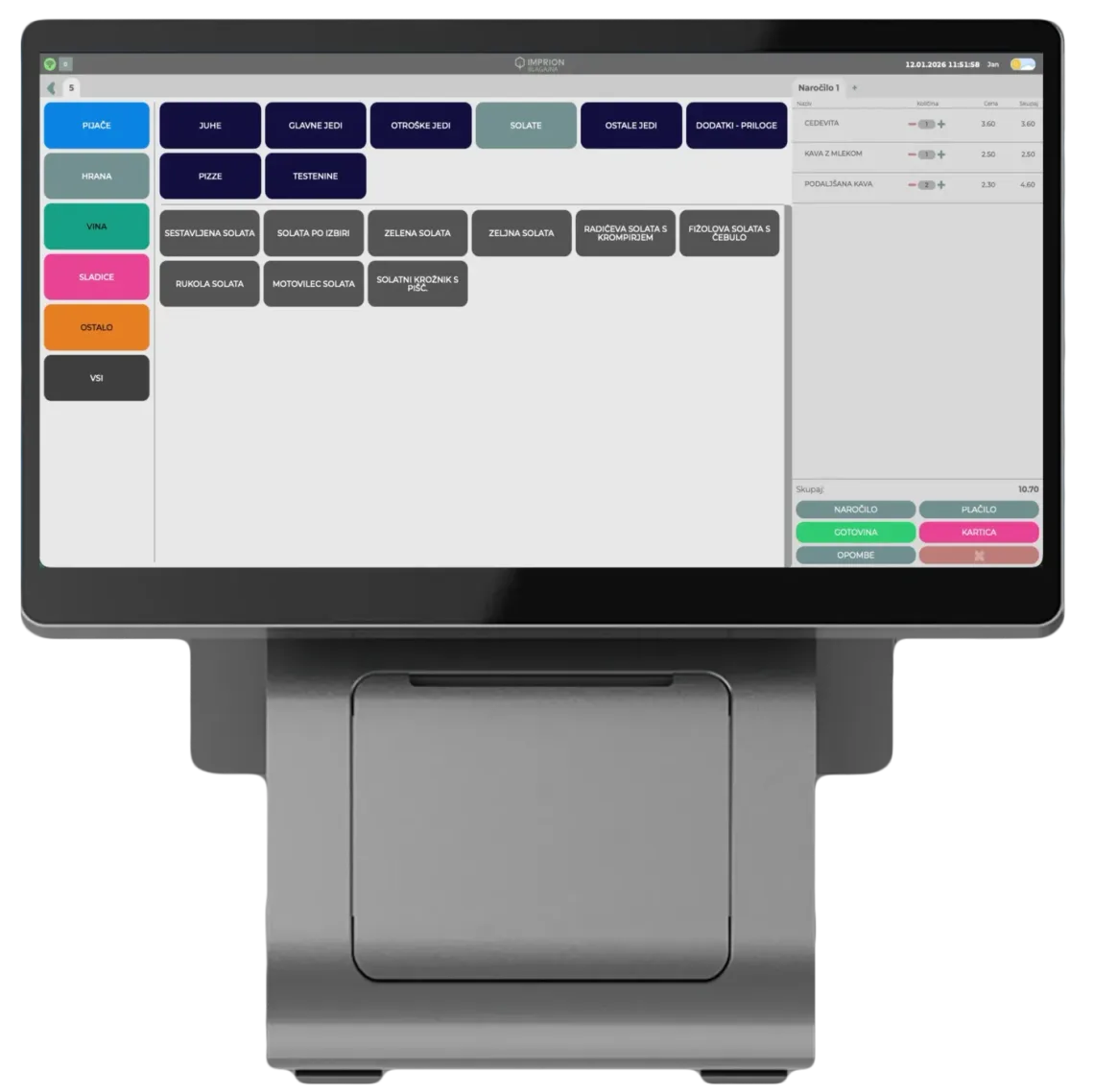
POS (point of sale) means a system for selling: issuing receipts, managing items, reviewing sales and running reports. With Imprion you choose whether to use the POS on a stationary device (PC) or on the move (Android), and which additional features you need (stock, price lists, users, and so on).
Plans and pricing
Choose the plan that fits the way you work
The price is per till, per month. No hidden costs — you only pay for the features you need.
Essential
The ideal choice for smaller cafés, salons and sole traders.
Each additional till €10
- Invoicing
- POS terminal integration
- Employee login
- Accounting export – PDF, XLSX, XML (Minimax, VOD)
- Work schedule
- Automatic day-end closing
- Remote management
- Backups
- Time tracking
- Minimax integration
* Price excl. VAT
Standard
The complete plan for restaurants, bars and wellness centres with several employees.
Each additional till €20
- Flexible tips
- Stock management
- Table management
* Price excl. VAT
POS system
POS till vs POS terminal (card terminal) – what is the difference?
A POS till is a system for selling: issuing receipts, managing items, reviewing sales and running reports. A POS terminal (card terminal) is a device for accepting card payments. They are not the same thing — in Imprion you connect the till to a terminal so receipts can be closed faster.
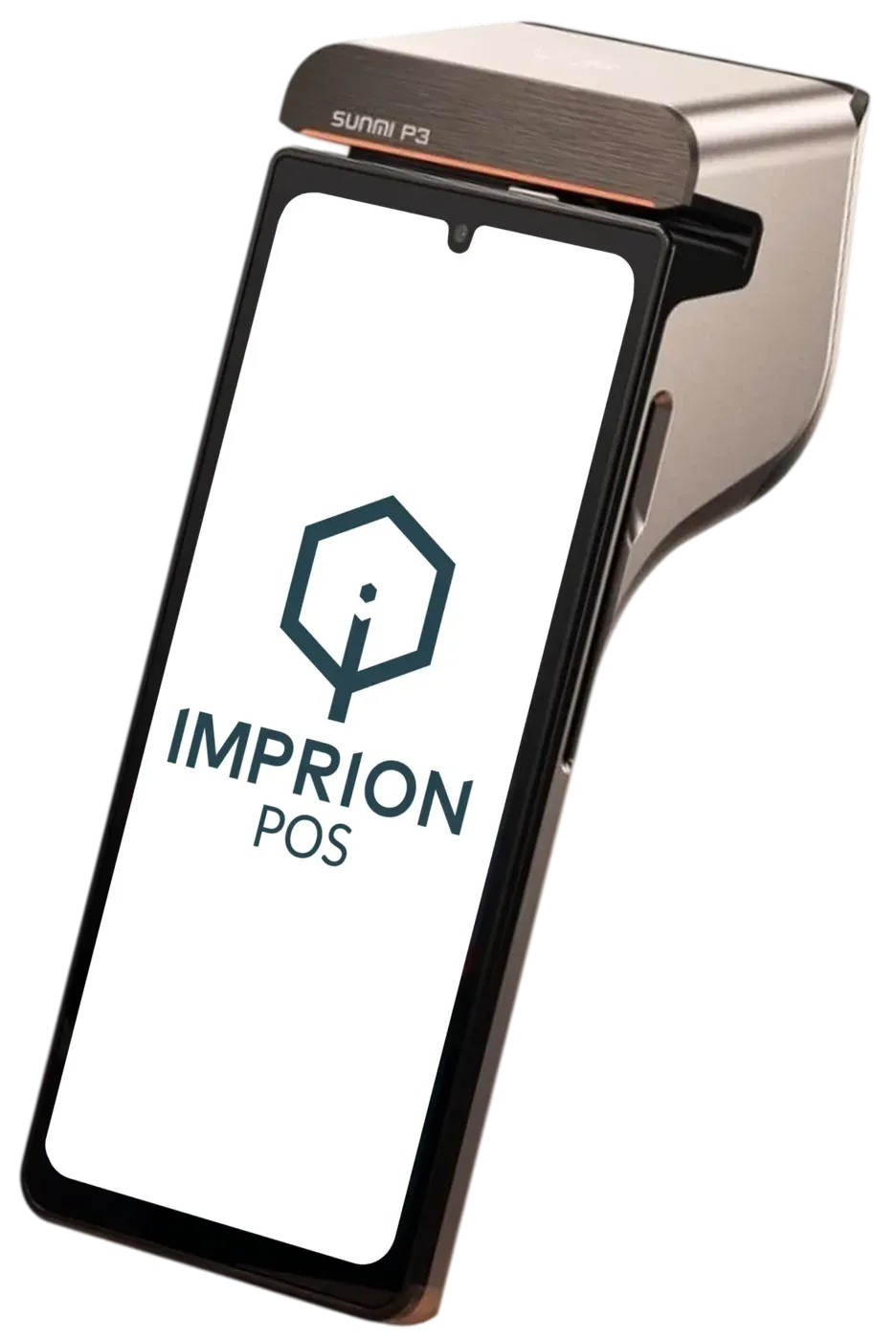
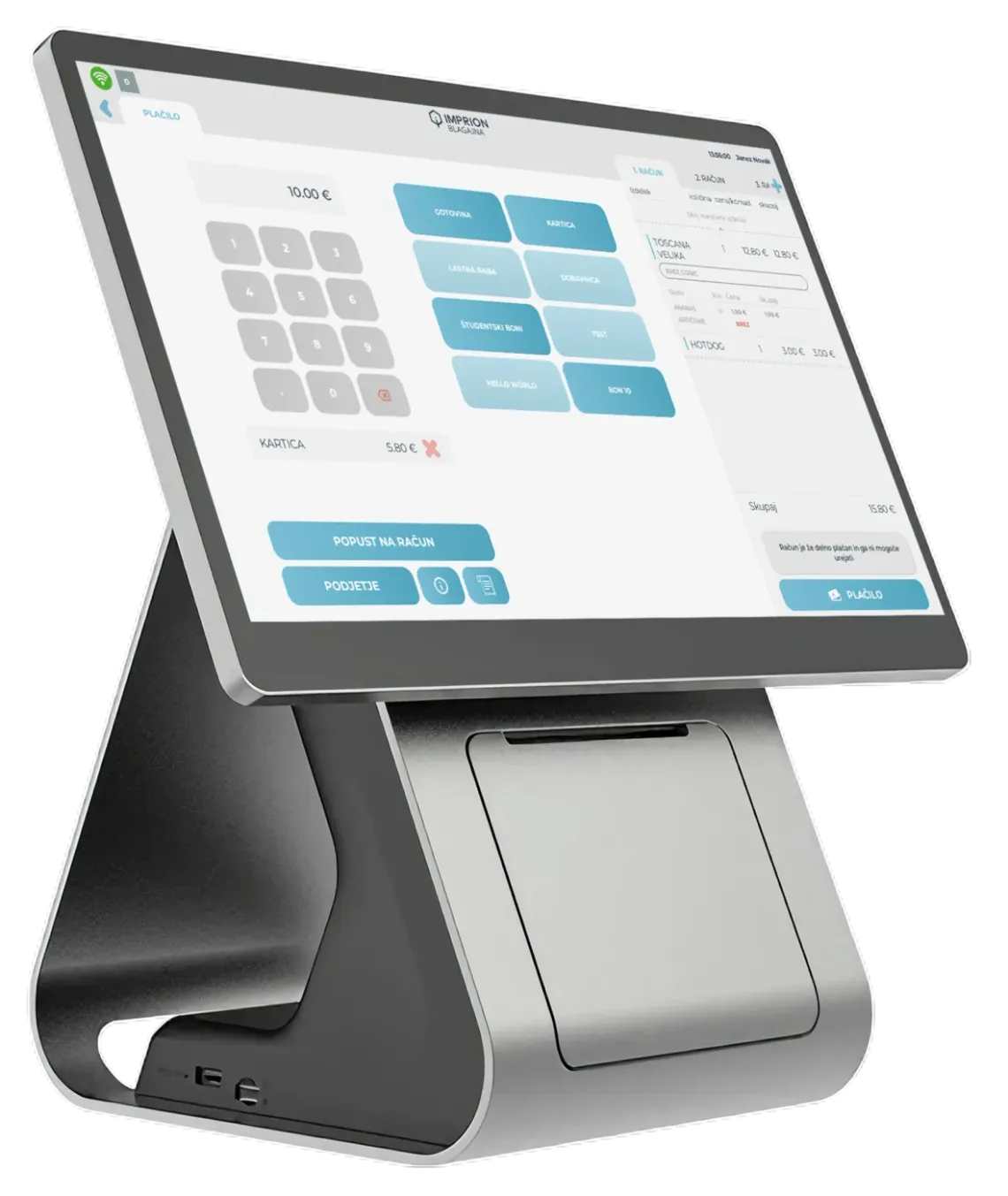
The Imprion till
The quickest answer
Does Imprion work without an internet connection (offline)?
Yes. You can keep issuing receipts even when the connection drops; once it is restored, your data syncs.
Is Imprion a mini / mobile till app?
Yes. You can also use it on a phone or tablet (Android) as a mobile fiscal cash register.
What about FURS fiscalisation?
Imprion lets you issue receipts in line with FURS requirements (fiscalisation). We help you set everything up during the rollout.
Is it suitable for hospitality?
Yes. It supports typical hospitality scenarios (e.g. tables, cash-ups, reports), depending on the plan you choose.
What is a POS till and is it the same as a POS terminal?
A POS till is a system for sales and receipts; a POS terminal is a device for card payments. They are not the same thing.
Frequently asked questions
Questions about the Imprion fiscal cash register
Check the answers to the most common questions about the Imprion fiscal cash register: issuing receipts, working without an internet connection, support for Android and Windows, and everyday use.
A fiscal cash register is a system for issuing receipts that fiscalises them in line with FURS requirements.
Yes — if you issue receipts for cash or card payments, you have to operate in line with the applicable legislation and fiscalisation rules.
A fiscal cash register takes care of issuing and fiscalising receipts, whereas a POS system adds sales, stock, analytics, staff and other business functions on top.
You need a registered business, the right FURS settings and a device to run the cash register on.
Yes — modern POS systems can be used at one business location or many.
Fiscalisation means the receipt is verified electronically with FURS at the moment it is issued.
Yes — the necessary fiscalisation settings have to be in place before you start.
Modern cash registers can issue receipts offline and sync them later.
Yes, provided the cash register supports offline operation and syncs afterwards.
A mobile fiscal cash register is an app that lets you issue receipts on a phone or tablet.
Yes — a mobile POS lets you issue receipts straight from an Android phone.
It suits mobile selling, events, market stalls, on-site services and smaller business premises.
It does for syncing data, although some systems can also work offline.
What matters is how you operate, your line of business, the number of users, the integrations you need and the support on offer.
It depends on how you work. Countertop registers are more common in venues, while mobile ones are better for field work and events.
Yes — most modern POS systems let you add features step by step.
Yes — each employee can have their own login and permissions.
Yes — many providers also offer register equipment for rent.
Usually within a few days of the equipment and the basic settings being prepared.
Most data can be migrated, your products and users are set up, and then a short rollout follows.
Plans start at €20/month per cash register (Essential). Standard is €40 and Premium €50 per month. The licence covers use of the software, while the register hardware is charged separately or can be rented together with the licence.
Proof
Why Imprion?
"We used to check tips and receipt corrections by hand. With the Imprion till we have a clear overview of tips per employee and time limits for editing receipts."
Peter K.
Hair salon, Ljubljana
"Several stylists work in the salon and each one is self-employed, but we all use the same till. Imprion let us combine several separate tills on one device — every stylist issues receipts under their own company and has their own business overview."
Sandra K.
Hair salon, Kranj
See the solution in action
Book a demo
Visit our demo centre and discover the features that will save you time every single day.